
Android TV app development gives broadcasters, publishers and video platforms a way to bring live and on-demand content to the television. An Apple TV app can do the same for viewers in Apple’s ecosystem. If you already run a streaming service, you can reuse much of the work behind your catalogue and user accounts. Each app still needs an interface, video integration and testing tailored to its devices.
This guide covers what it takes to publish on Google TV and Apple TV, which components you can share and how to define a first release to test.
Building apps for Android TV and Google TV
Google TV is the user experience built on Android TV OS. From a development perspective, both use the same underlying platform. Check compatibility on the models and operating system versions you intend to support, especially if you plan to offer 4K, HDR or DRM-protected video.
If you already have an Android app, you can often reuse data models, API clients and some authentication logic. For the interface, Compose for TV provides components designed for the big screen. The selected tile should be easy to spot from across the room. Viewers should also be able to open a title, start playback and return to where they began using only the directional pad and select button.
For video playback, you can use Media3 with ExoPlayer. To publish, upload your app bundle in Play Console, enable the Android TV form factor and submit your build for Google Play’s TV-specific review.
Developing an Apple TV app with tvOS
Apple TV apps run on tvOS. You can use SwiftUI to build the catalogue and programme pages. If you have an iOS app, review which data models and networking code you can reuse. Check which libraries support tvOS early on and test your main user flows with the Siri Remote.
For video, AVKit provides a player with system controls. You can use HLS for live and on-demand video. If content rights require protection, check whether your video provider supports FairPlay Streaming. Use TestFlight to run a beta before submitting the app for App Store review.
Android TV and Apple TV compared
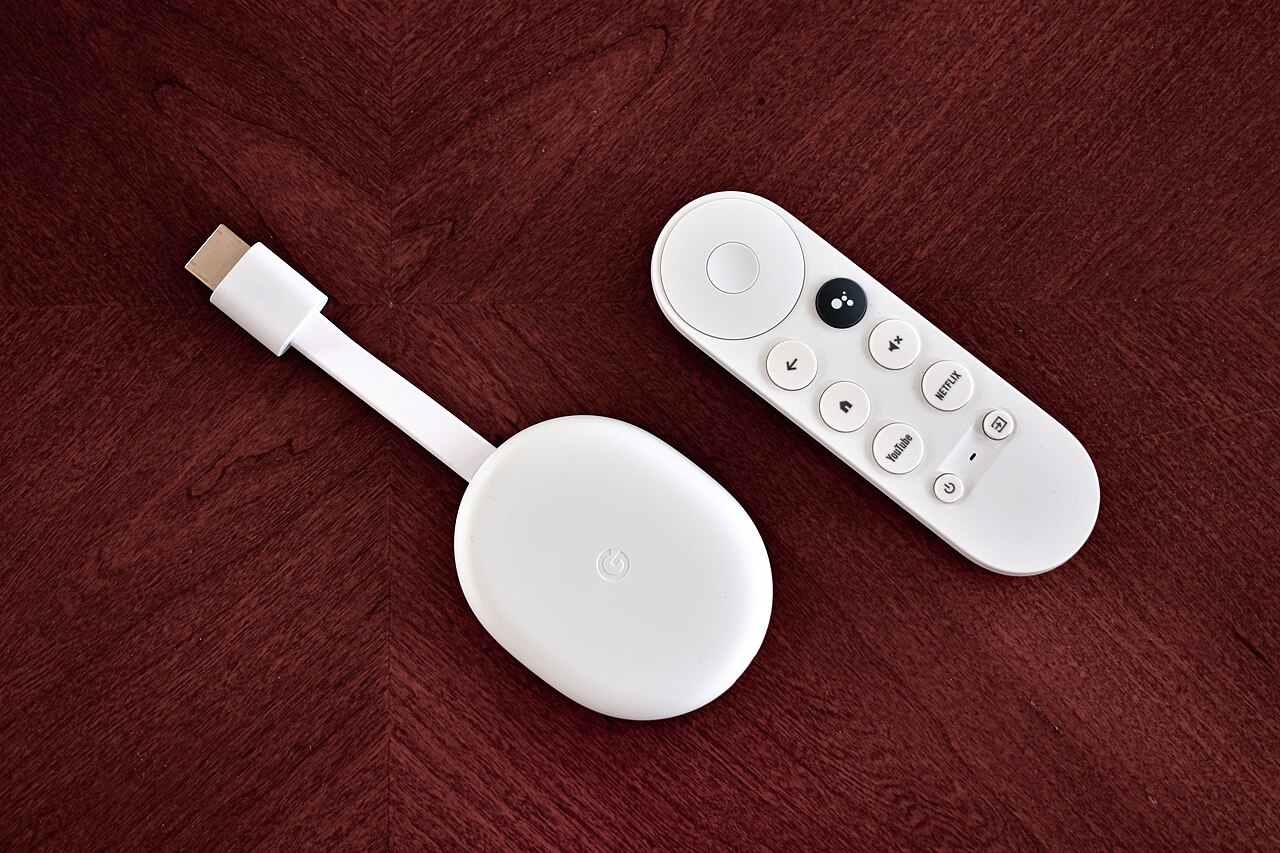

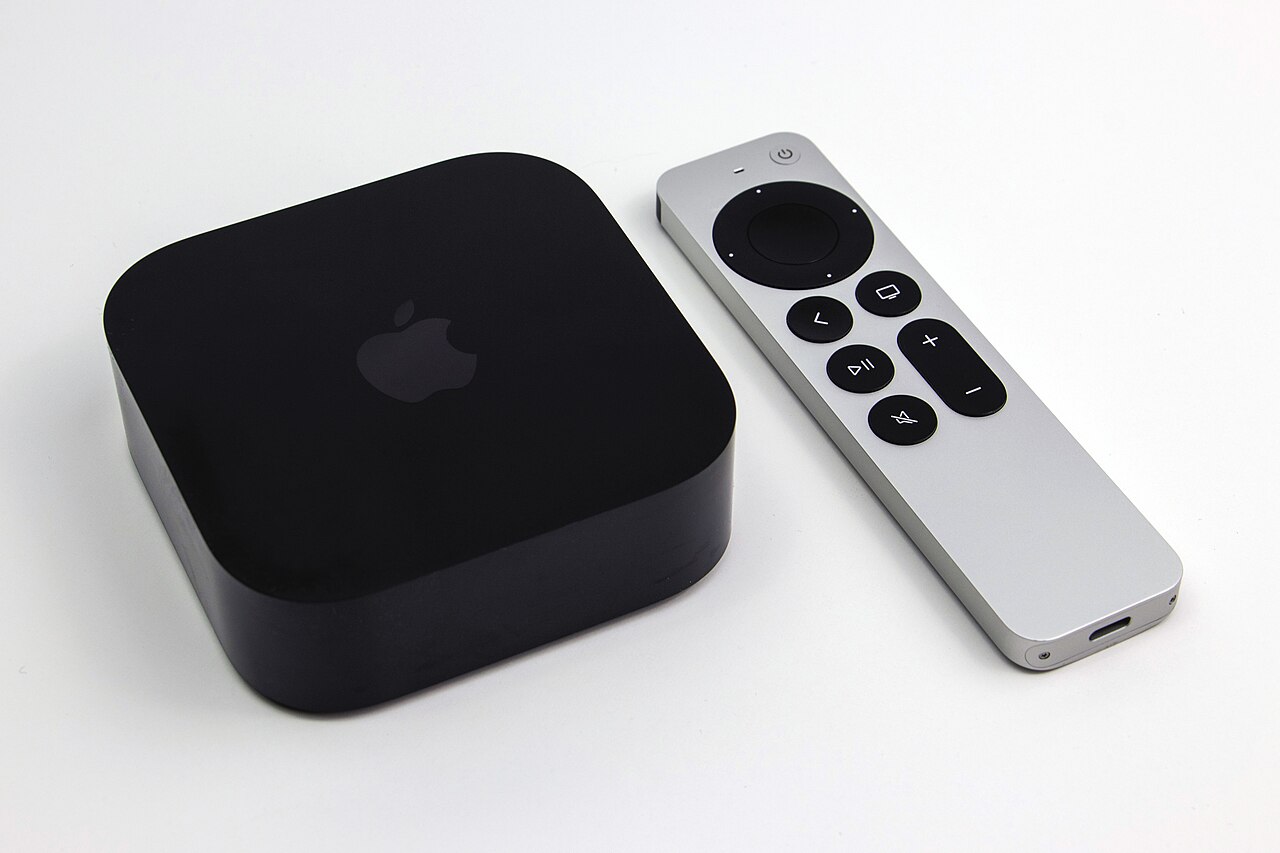

| Aspect | Android TV and Google TV | Apple TV |
|---|---|---|
| Operating system | Android TV OS | tvOS |
| User interface | Kotlin and Compose for TV | Swift and SwiftUI |
| Video playback | Media3 / ExoPlayer | AVKit / AVPlayer |
| Distribution | Google Play via Play Console | App Store via App Store Connect |
One video service, two TV apps
Imagine a broadcaster with a live stream, a catch-up catalogue and a members’ area. The editorial team publishes each programme once in the CMS. Both apps read from the same catalogue, use the same accounts and save each viewer’s playback position on the backend.
For the first release, start with a home screen featuring Live, Latest Episodes and Continue Watching. For sign-in, let viewers enter a code on their phone or computer so they can avoid typing a password with the remote.
Before estimating the schedule, test a live stream and a protected title on both platforms. Even when the video service is shared, playback licences, subtitles and audio tracks need to work on each device. Start testing with an Android TV or Google TV model in scope and an Apple TV device. If your audience uses several models or generations, expand the test matrix.
What affects the cost of building for both platforms?
The cost of Android TV app development and the companion Apple TV app depends on how much of the underlying service is ready. With documented APIs, compatible streams and an existing sign-in system, most of the work goes into the apps and testing. If the project needs a new video provider, subscriptions or DRM, check those dependencies before setting the scope.
To get a sense of budget, see how much smart TV app development costs in Italy. If you also plan to support Samsung and LG televisions, read our guide to Tizen and webOS app development.
Where to start
Already have a video platform or mobile app? Get in touch with Blu Lab and tell us which devices you want to support, whether you offer live or on-demand video, and how viewers sign in today. That helps define the first release and identify what you can reuse.
If your launch spans Android TV, Apple TV and other platforms, our Smart TV app development service covers remote-first interface design, streaming integration and device testing.