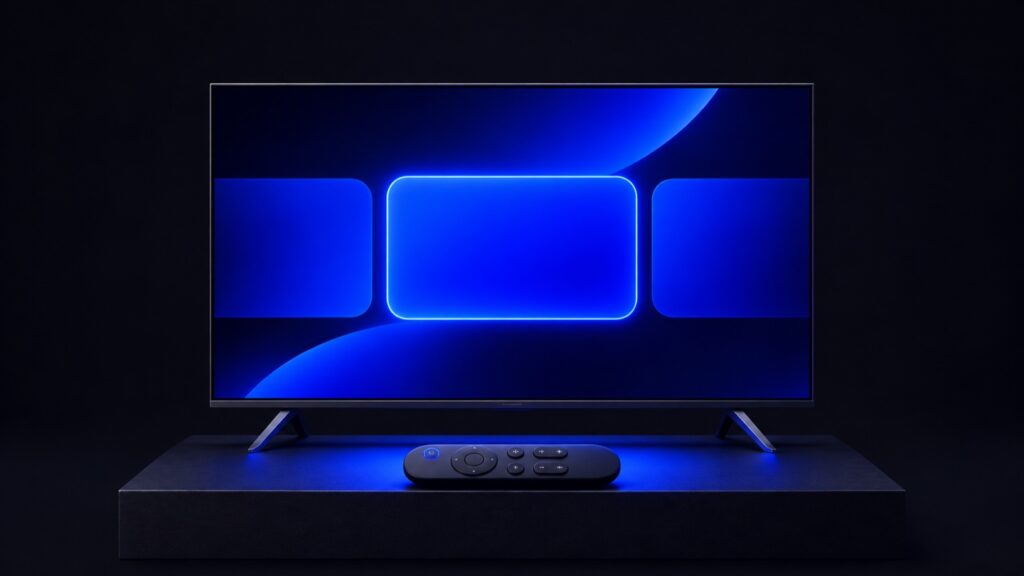
Smart TV apps for businesses bring live streams, videos and courses to the home television. For a broadcaster, an app can give viewers direct access to its catalogue. For a gym, it can make it easier to follow a workout in the living room. The value depends on how much the big screen improves the experience for your audience.
The benefits of smart TV apps for businesses
- Direct access to content. Once viewers install the app, they can find the catalogue from their TV’s home screen. Features like favourites and resume playback make it easier to pick up where they left off.
- An experience designed for the big screen. Viewers can follow a yoga class or virtual tour from across the room. Legible text and simple navigation help them choose what to watch in a few clicks of the remote.
- More control over the viewing experience. The business decides what to feature and how to organise the home screen. It can also explore different models, such as free content, subscriptions or members-only access.
Use cases in media, fitness, tourism and culture
- Broadcasters and local media. Bring live streams, news and catch-up programmes together in a catalogue viewers can browse by show or topic.
- Gyms and learning platforms. Offer workouts or lessons on demand, with the option to resume from where viewers left off.
- Tourism operators and cultural organisations. Showcase destinations, exhibitions or video archives through themed collections designed for at-home viewing.
When is a smart TV app worth the investment?
Before building a smart TV app for your business, identify an audience and give them a reason to return. An existing video library can be a good starting point. If people rarely access your content, consider how much a dedicated app would add to the channels you already use.
Then choose platforms based on the TVs your audience uses and the resources you have for testing. See our guide to development on Samsung Tizen and LG webOS and our estimate of development costs in Italy. For LG’s technical requirements, see the official webOS TV documentation.
How to tell whether a Smart TV app solves a user problem
Worked example. A broadcaster wants audiences to start the live channel using the remote, without reaching for their phone. Before launch, choose target models and observe people completing that action.
| When | What to measure | Decision |
|---|---|---|
| Before launch | Participants who find and start the live stream on their first try. | Improve labels, navigation or focus if people get stuck. |
| After launch | Successful playback starts per attempt, by platform where data allows. | Investigate the devices that account for the most failures. |
| After the first period | Repeat use and viewing time where measurable. | Expand the catalogue if repeat use supports the investment. |
Page visits and playback starts answer different questions. See the Tizen and webOS development guide when defining your target platforms.
How to measure results after launch
Choose metrics that reflect your goal. If you want more viewers to discover the catalogue, track how many start a video after opening the app. If you want members to return, measure how many use the app again after the first week and which content brings them back.
Already have a video catalogue or service you want to bring to the TV? Get in touch with Blu Lab to discuss which platforms and features to include in the first release.
For a practical example, the Radio Kaos Italy Smart TV app brings live radio and podcasts to the television. Our Smart TV app development service covers the design and delivery work behind this kind of project.